Registering a new Phone/Tablet to an Existing Account
Press Register to start registration.
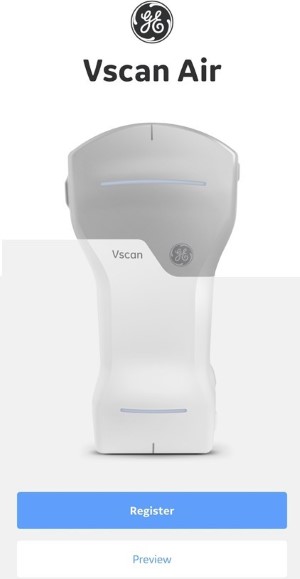
The app can be explored by selecting 'Preview'. In this mode, scanning is disabled. See Preview Mode for more information.
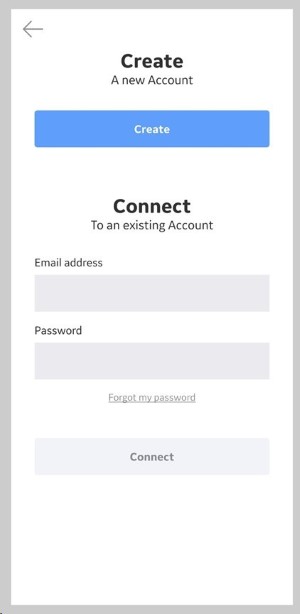
Choose Connect to an existing account option and enter the email address and password for your existing Vscan Air account.
Press Connect.
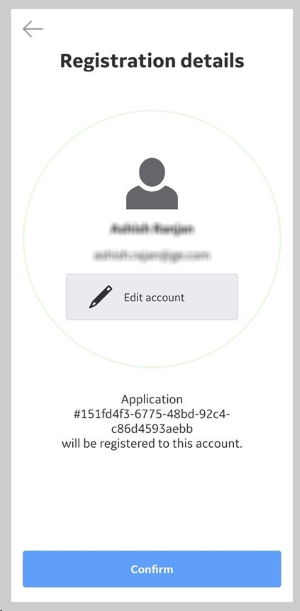
Confirm that registration details are correct or edit if incorrect.
Registration is complete. Security PIN can be set for secure data access by selecting Add security PIN or proceed to scanning by selecting Start scanning.
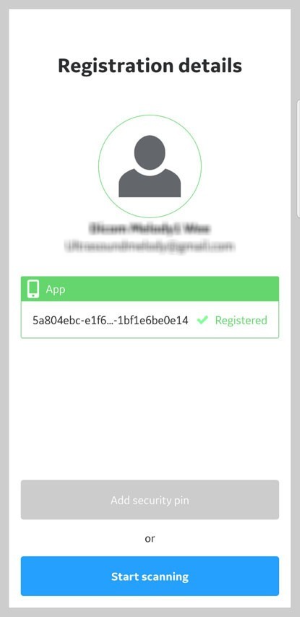
To add a security PIN code after completing Vscan Air registration, See Setting Up a PIN.
The information herein is not intended to replace the product’s User Manual. Please consult the User Manual for comprehensive information and cautionary guidance about the product’s operation and use.