Add
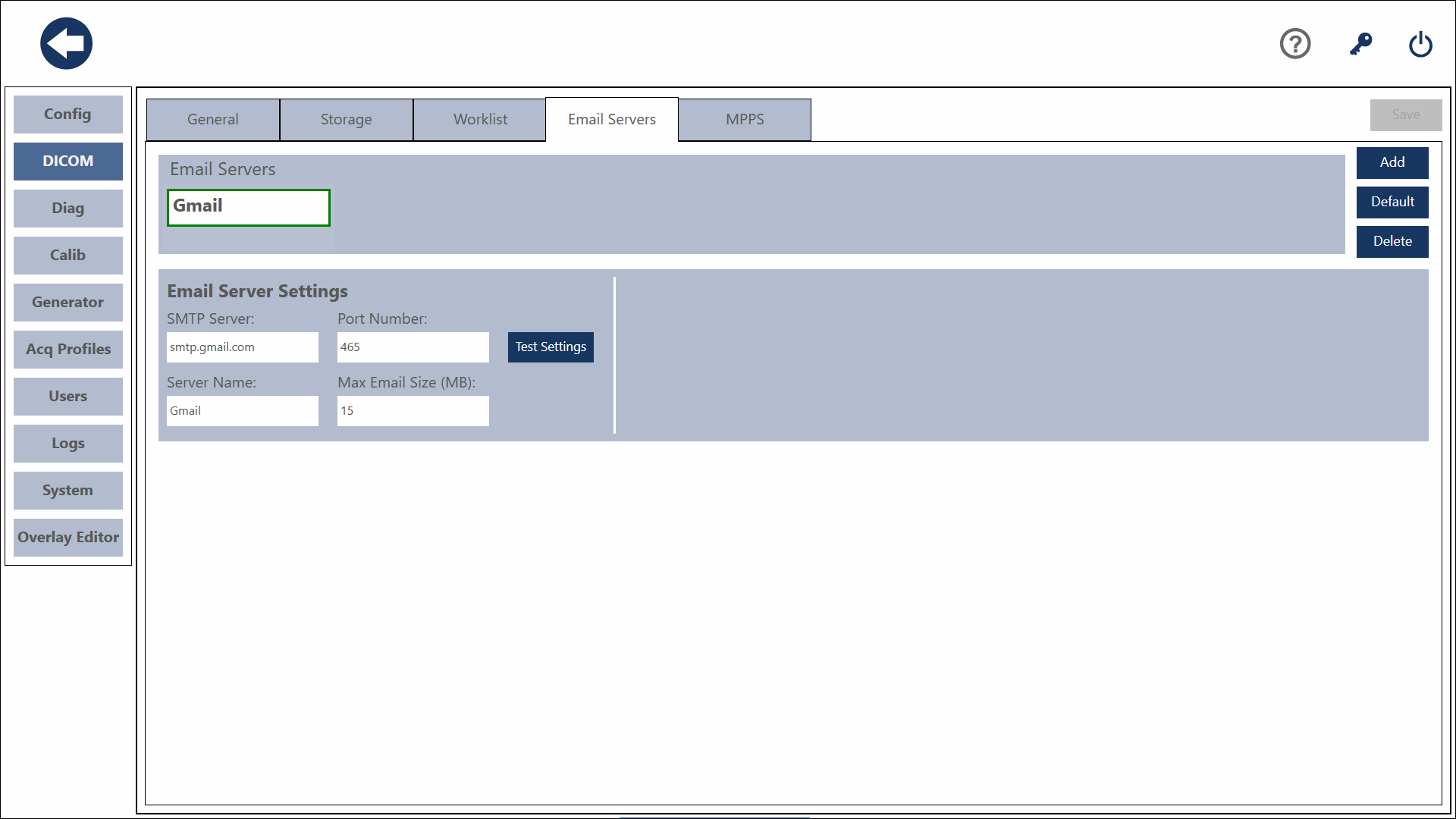
Click the Add Button. Enter a name for the server. Enter the IP address of the Server. Enter the AE Title of the Server. Enter the port number of the server. Press the Save button to save the Server.
Warning
Each SMTP providers all have their own set of security requirements. Due to this, SmartDR may not function with all email providers.
Default
To set a server as your default, select the server and press the default button.
Delete
To delete a server, select the server you wish to delete and press the Delete Button.
Save
To save changes you have made, press the Save button.
Test Settings
This will verify the settings you've provided.
Warning
The Max Email Size setting is not verified. Please be sure of your provider's maximum email as this can prevent messages from sending properly.