MPPS
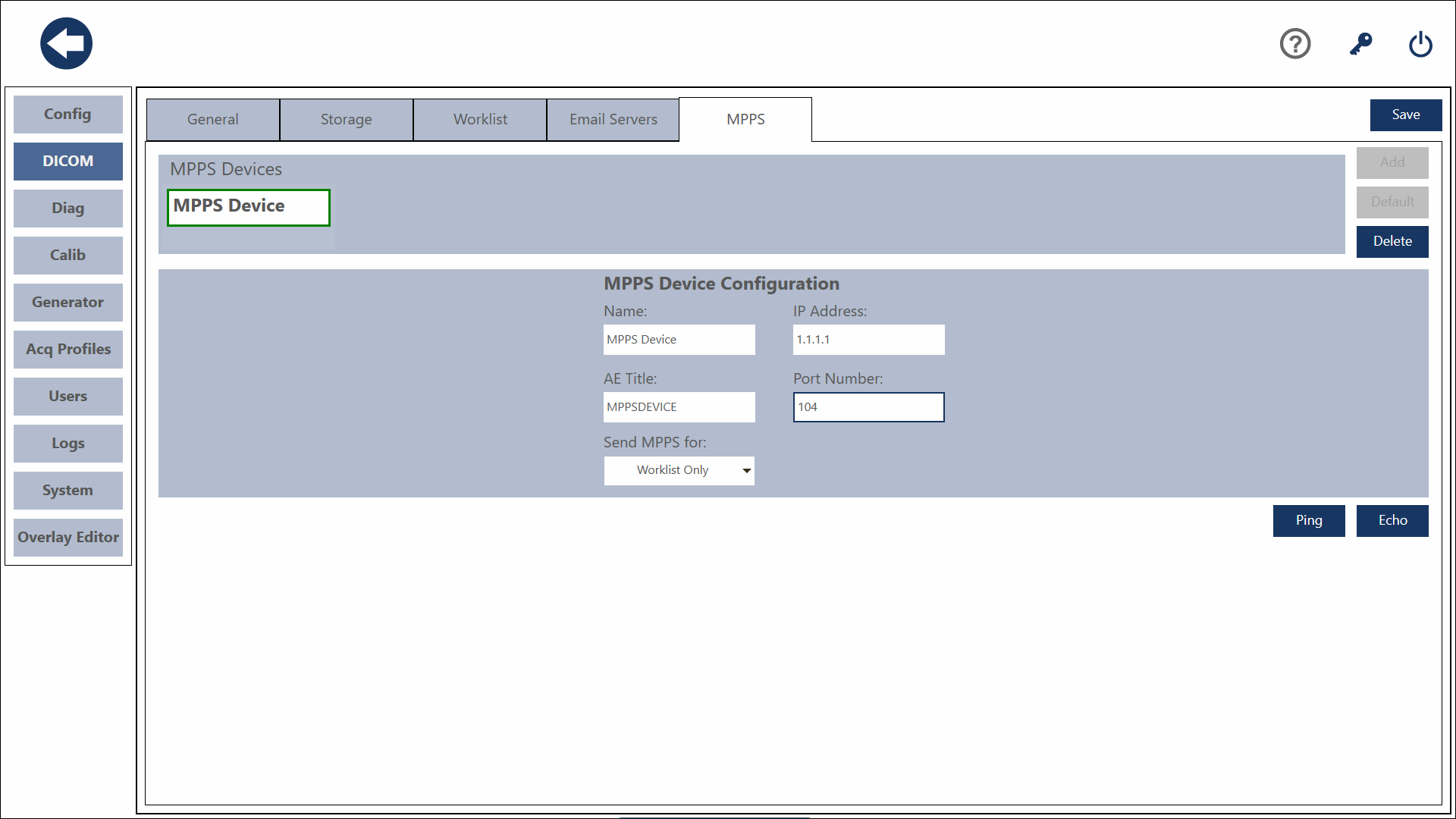
This is where you can configure a MPPS server. Only one MPPS server is allowed.
Add
Click the Add Button. Enter a name for the server. Enter the IP address of the Server. Enter the AE Title of the Server. Enter the port number of the server. Press the Save button to save the Server.
Default
To set a server as your default, select the server and press the default button.
Delete
To delete a server, select the server you wish to delete and press the Delete Button.
Save
To save changes you have made, press the Save button.
Ping
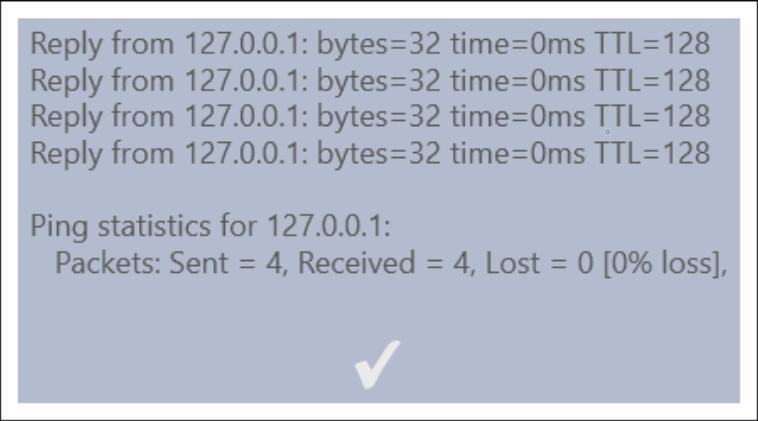
You can Ping the IP address to verify IP Connectivity with the Server By pressing the Ping button. The results of the Ping will be displayed in a popup. Press the Close button to dismiss the popup.
Echo
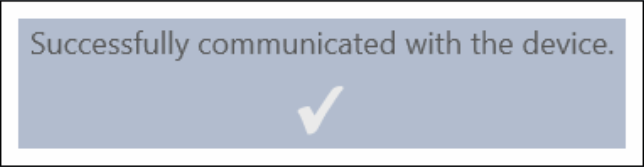
You can verify DICOM connectivity by pressing the Echo Button. The results will be displayed in a popup. Press the Close button to dismiss the popup.