Manual Technique Entry
Manual Technique Entry is an alternative to automatically saving technique with Generator Integration. It can be enabled in Settings -> Intermediate Config Options.

To input manual technique values for the currently selected shot, press the Manual Technique button denoted with KVP/MAS. This will open the Manual Technique entry form.
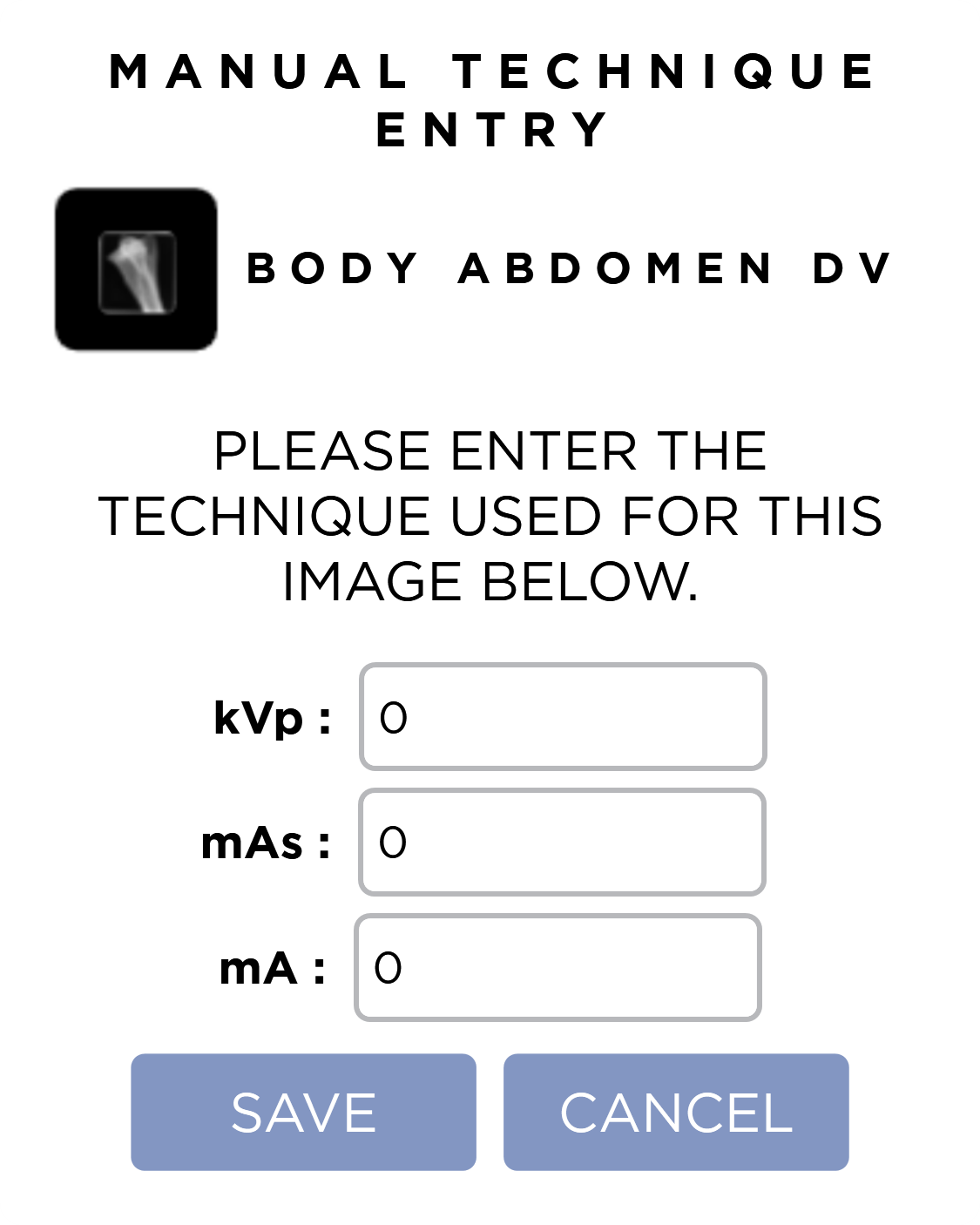
There are three number fields for you to input:
- Kvp
- mAs
- mA
Pressing the save button will save the technique for the image.
Pressing the save button, or clicking outside of the form, will close the form and discard the changes.
Require Manual Technique Entry
If the Manual Technique Entry setting is marked Required in Intermediate Config Options, a dialog will automatically open after each exposure to ensure technique is entered for every image.
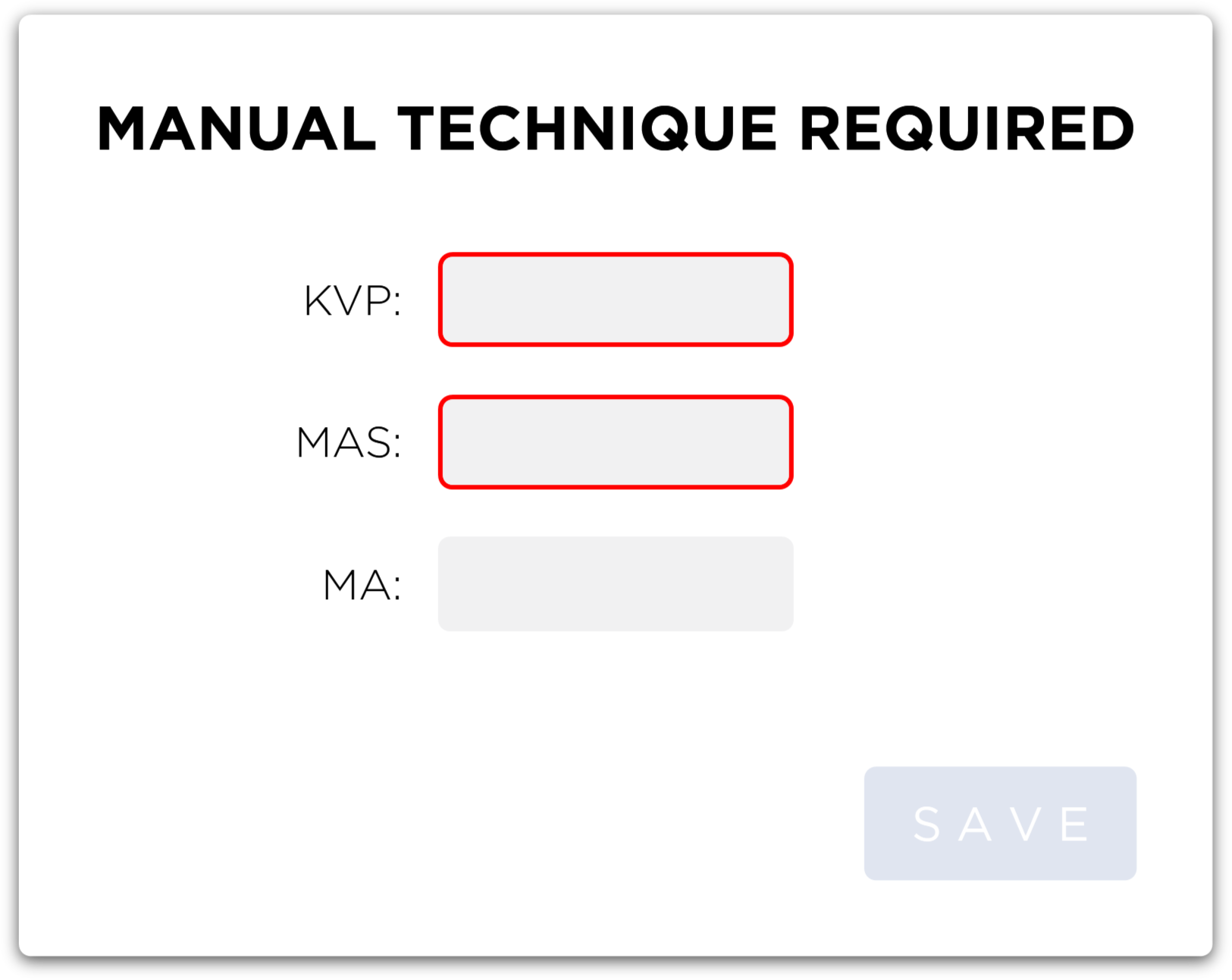
You must provide valid technique values (kVp, mAs) and save them before proceeding. mA is optional and will default to 1 if not provided.
Reporting
The technique of each image is also used to generate the AAHA Report and Radiation Safety Report.